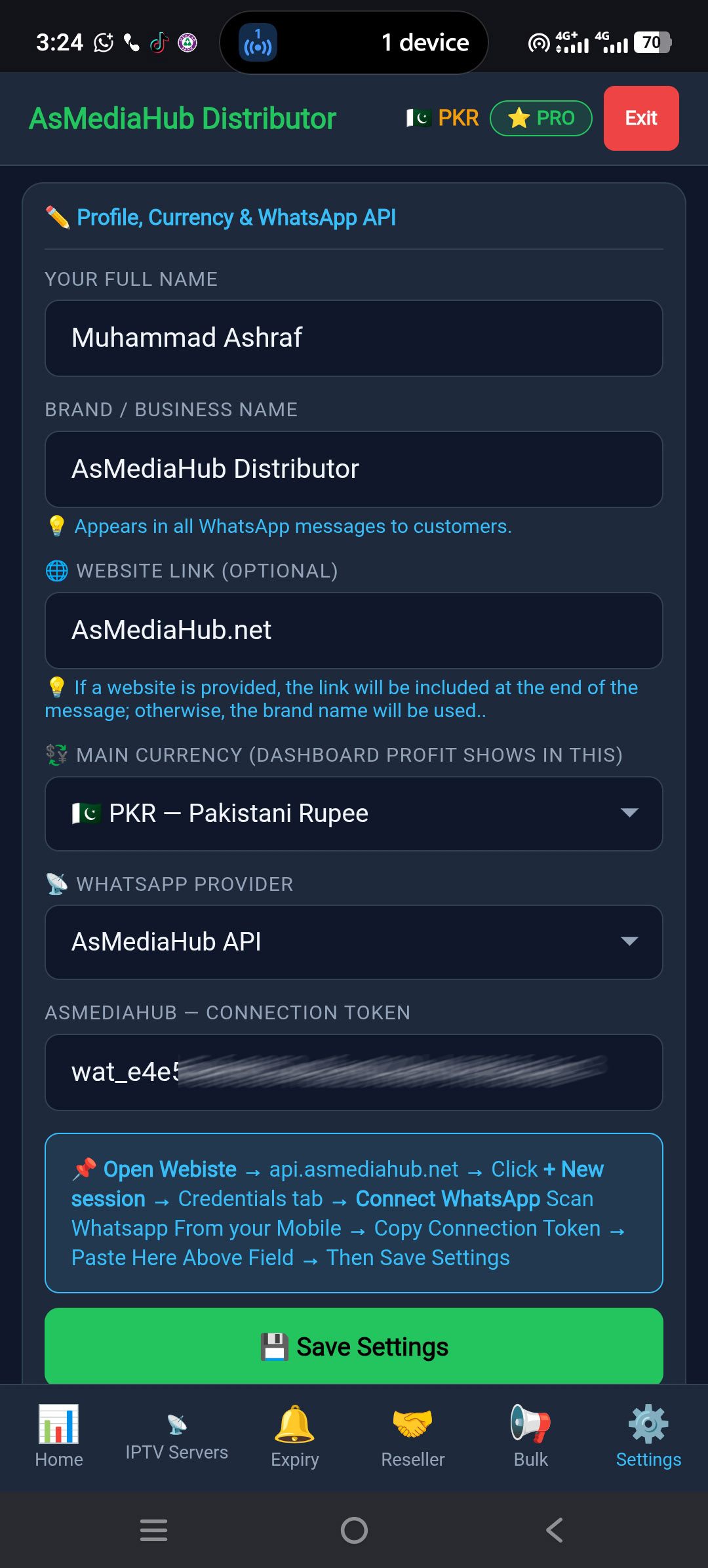
WhatsApp Automation Integration Guide
Follow this simple step-by-step Guide to link your iptv reminder panel portal with whatsapp API server, connect your WhatsApp device, and activate the automatic renewal expiry reminders.
Register Your Distributor Account
Go to the send.asmediahub.net and enter your full name, business name, email address, preferred currency, and a secure password to create your account.
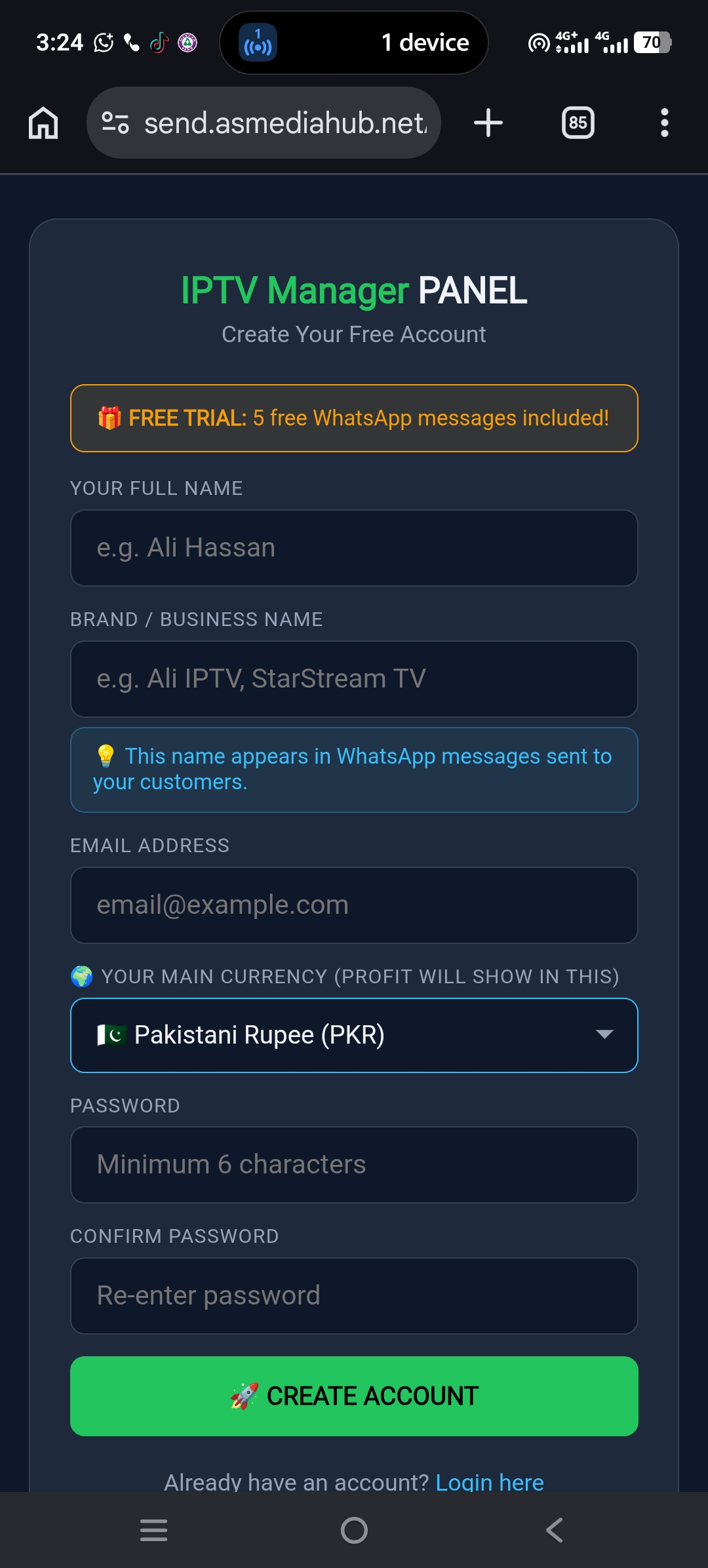
Create an Account on the API Server
Now Go to the api.asmediahub.net and enter your name, Real email address, password, and verify answer type to create your account.
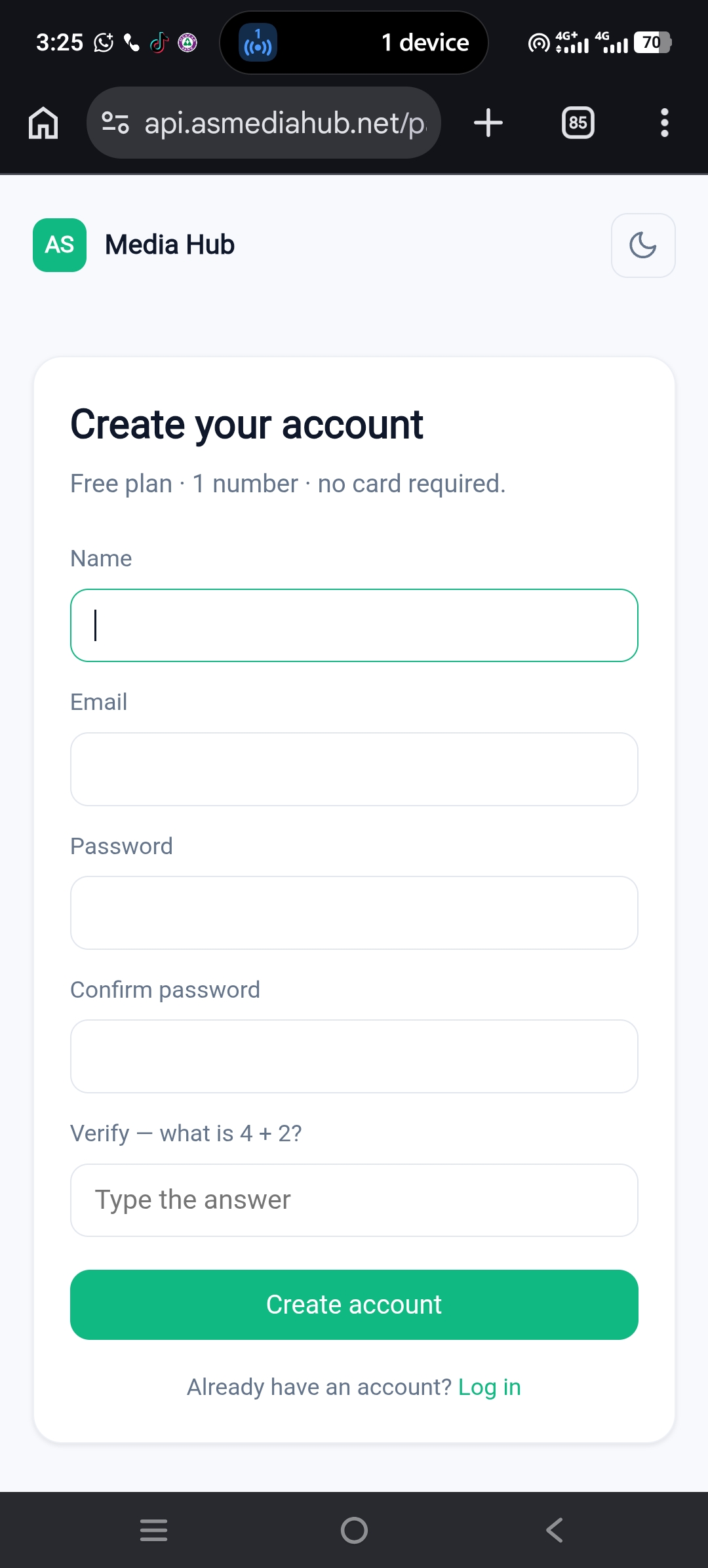
Initialize a New Automation Session
Open your API dashboard, then click the green + New Session button in the top side to create a + new session.
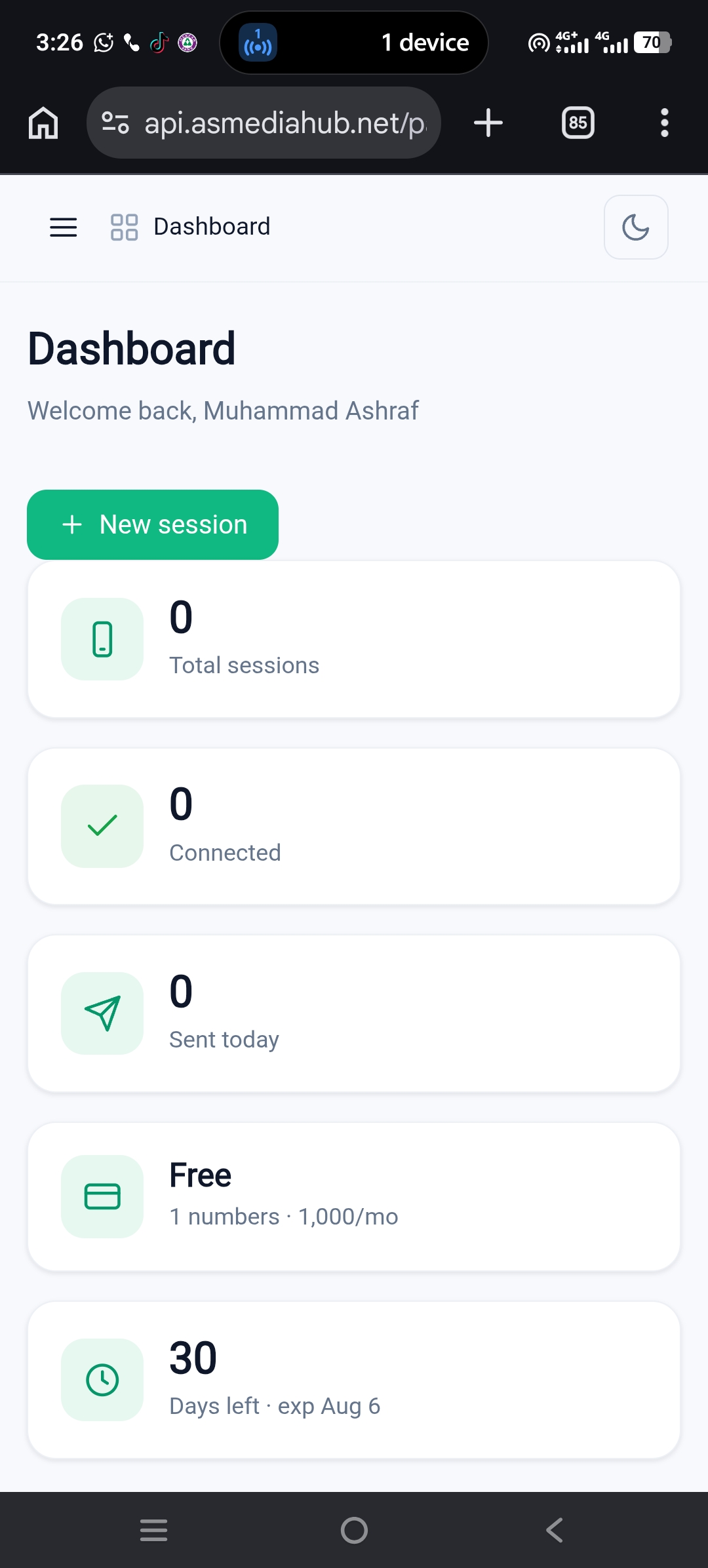
Pair and Authenticate Your Device
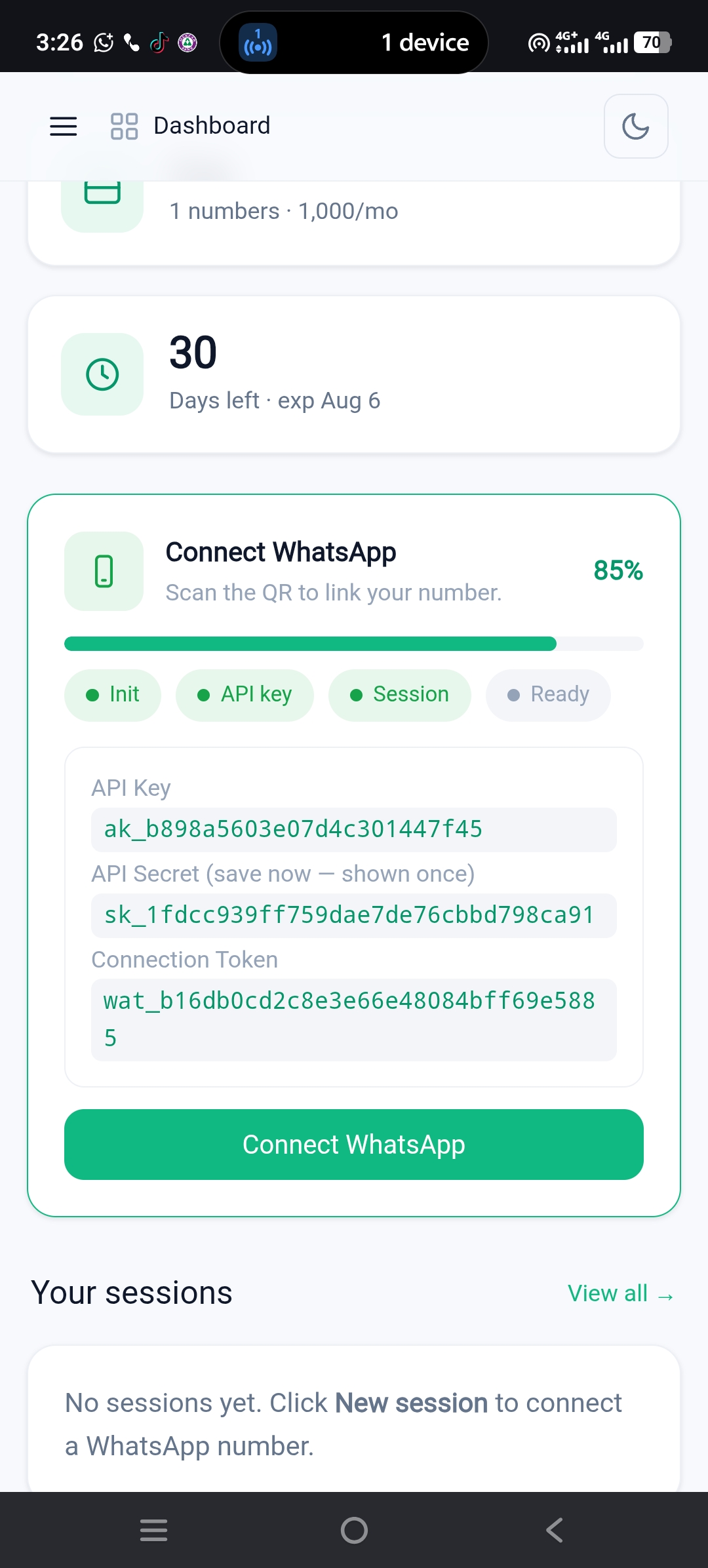
Click the primary green Connect WhatsApp action button. Open WhatsApp on your target smartphone device, tap Linked Devices, select Scan QR Code, and point it directly at your screen session stream.
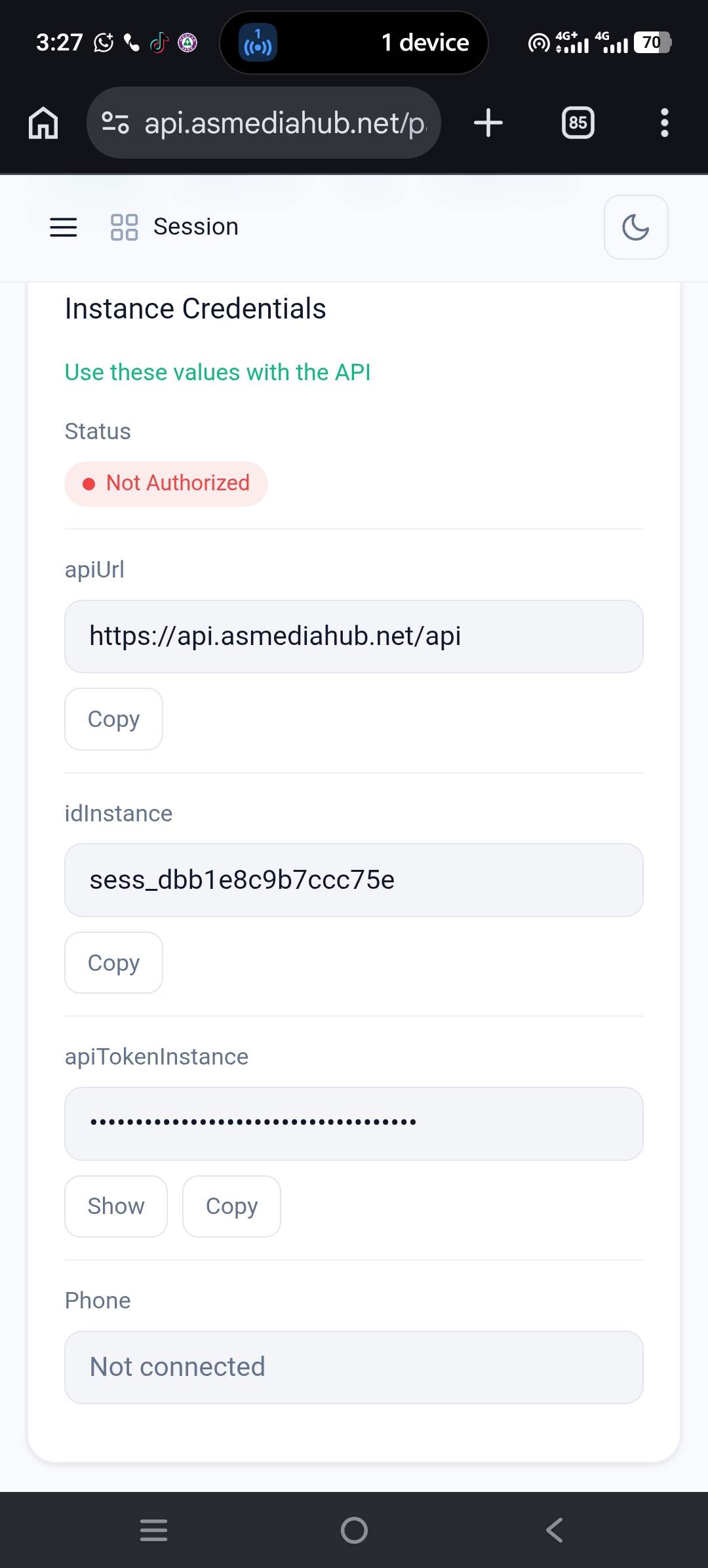
Extract apiTokenInstance to Portal
**Easy-to-read version:** > After your session is created, you'll see the **Instance Credentials** page. Copy the apiTokenInstance field, click Copy then go back to your **Distributor Panel Settings**, paste it into the **API Token** field, and click **Save Settings**.
Goto Setting to Connection Token Settings
Log in to your dashboard and click Settings from the sidebar. There, you'll find the Connection Token field, where your connection token will be saved. and Press Save Settings button..