WhatsApp Auto-Expiry Reminder System
A complete step-by-step documentation on how our automated alert ecosystem acts to eliminate manual renewal tasks, notify upcoming line expirations, and instantly deliver new login credentials directly to your customers' WhatsApp.
Monitoring Dashboard Alerts
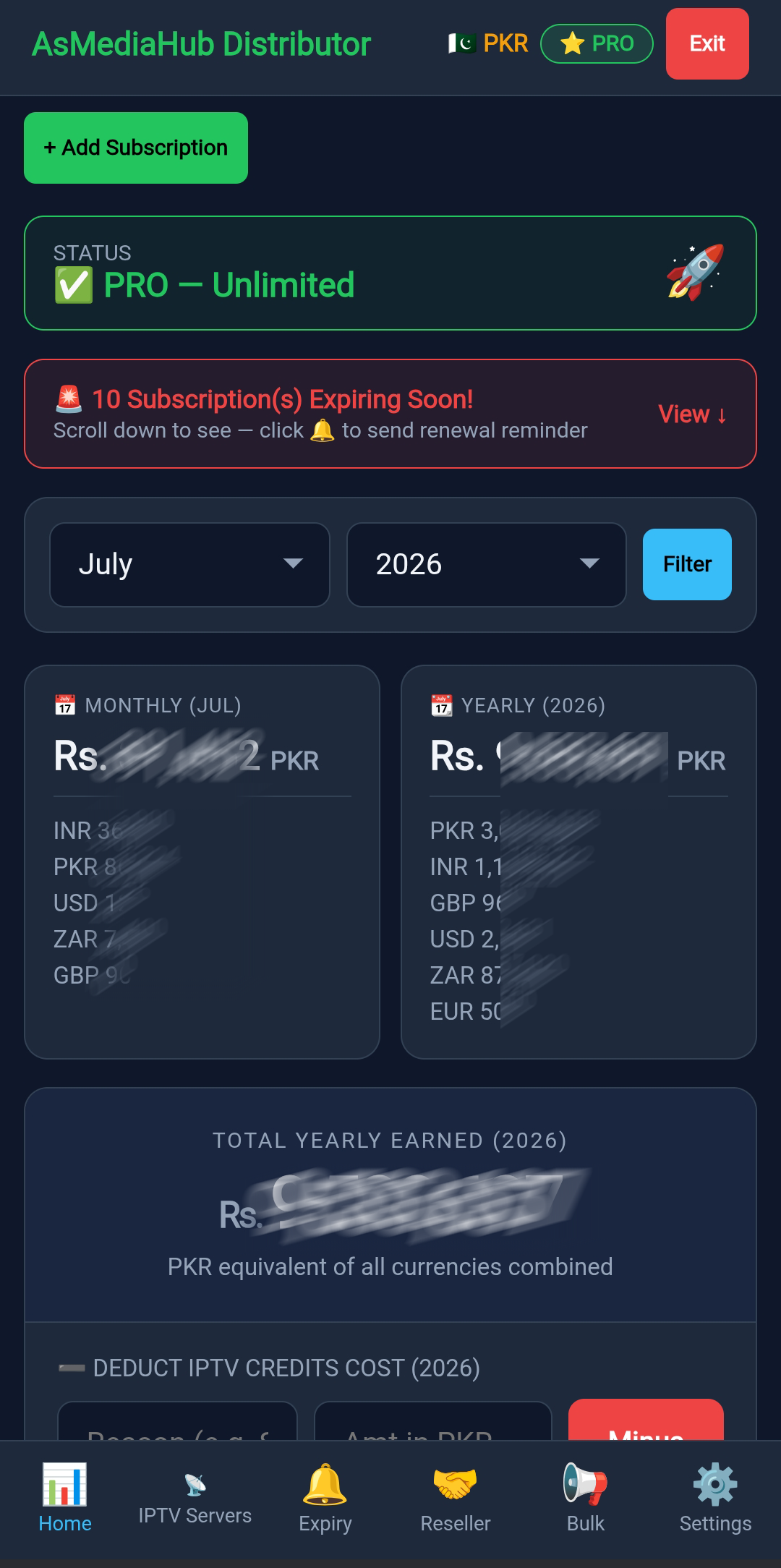
Your dashboard automatically monitors all active IPTV lines. When any subscriptions are close to expiring, a clear alert appears at the top of the dashboard showing how many need attention.
Automated Expiry Alerts
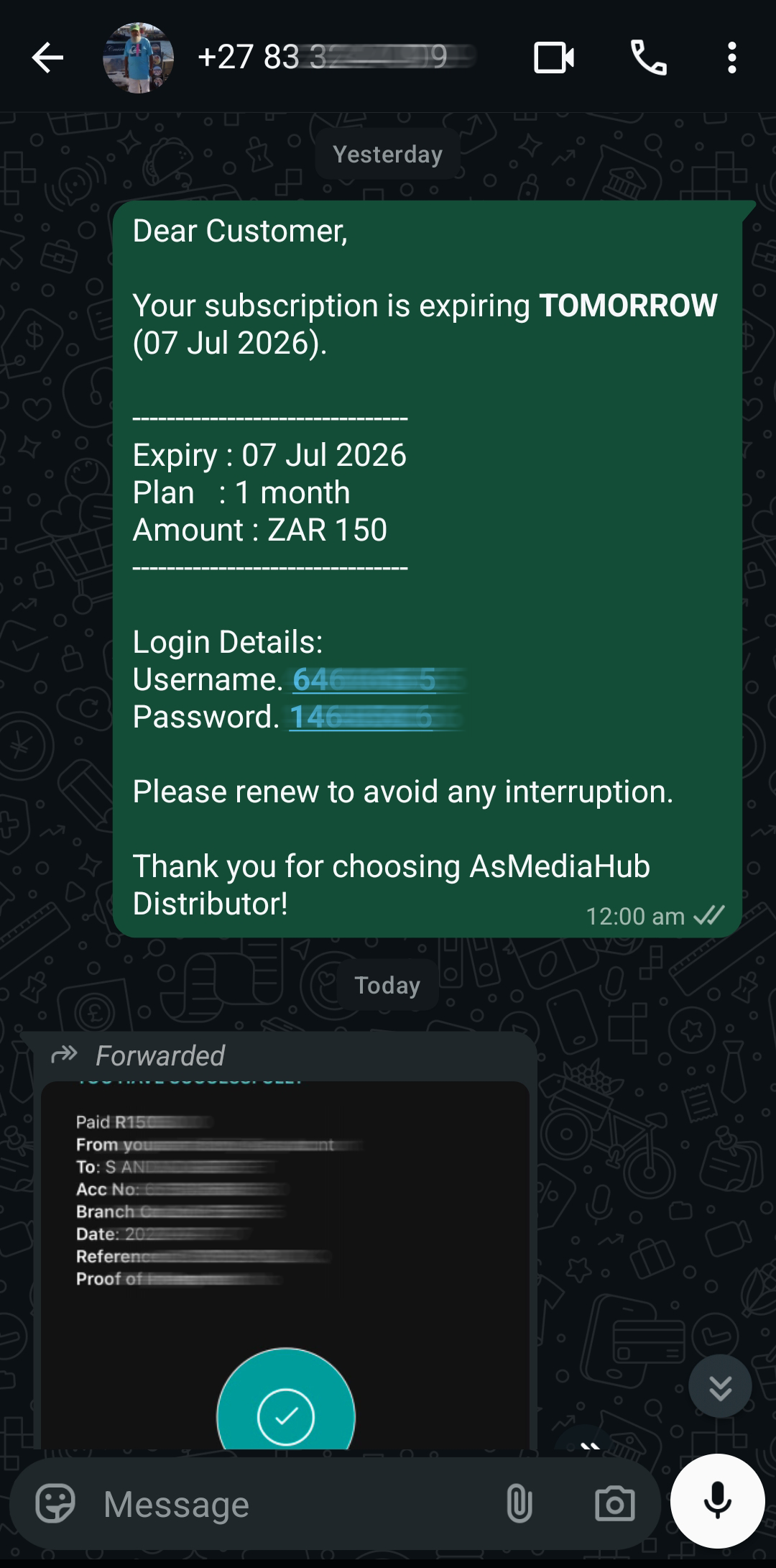
24 hours before your account expires, the system automatically sends you a reminder. The message includes your expiration date and helps you renew on time to avoid any service interruption.
Adding a New Subscription
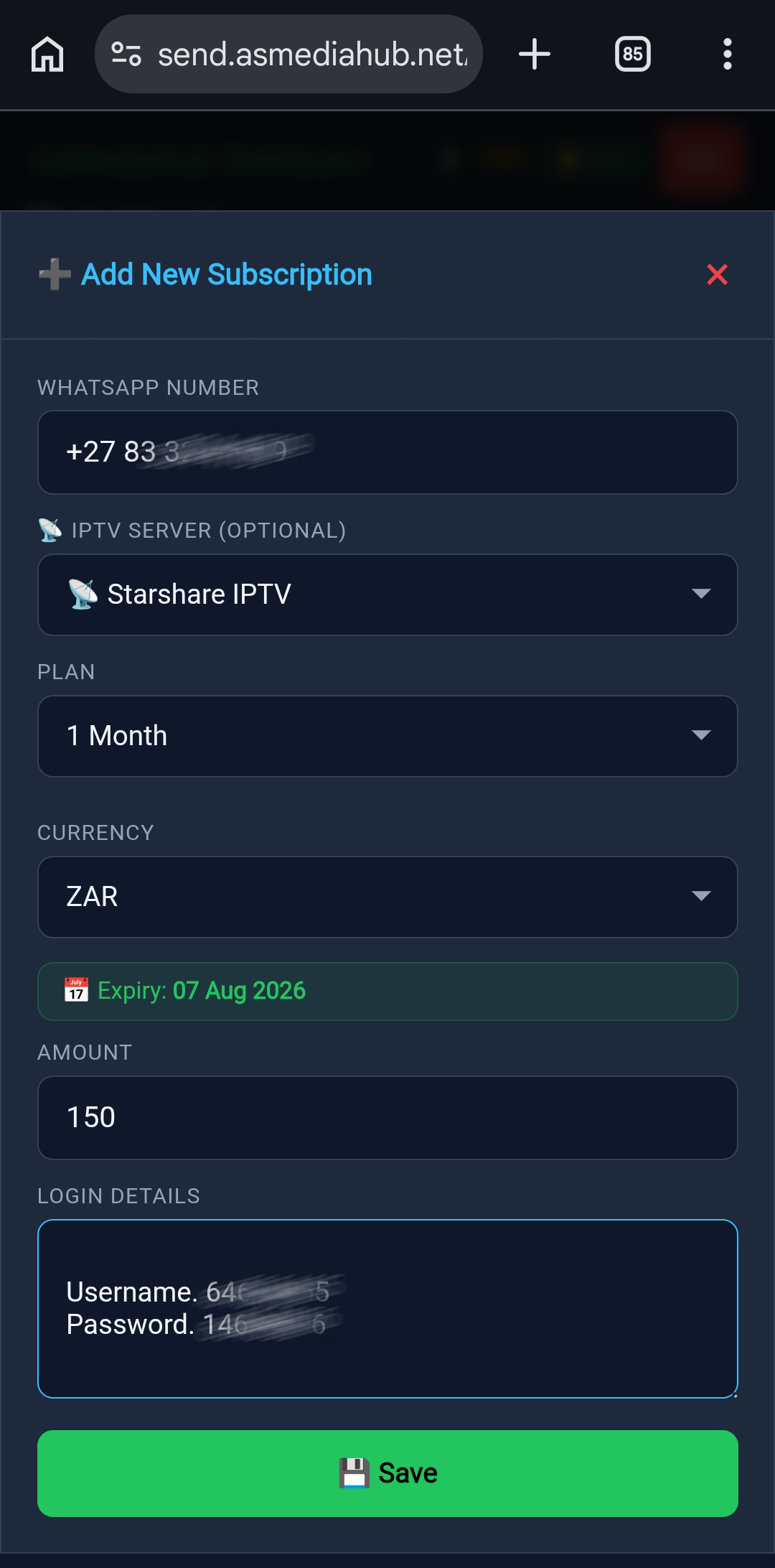
To add a customer to the automation system, simply enter their WhatsApp number, select the IPTV server, choose the subscription plan, set the currency, and enter their username and password, Dns url automatically Send.
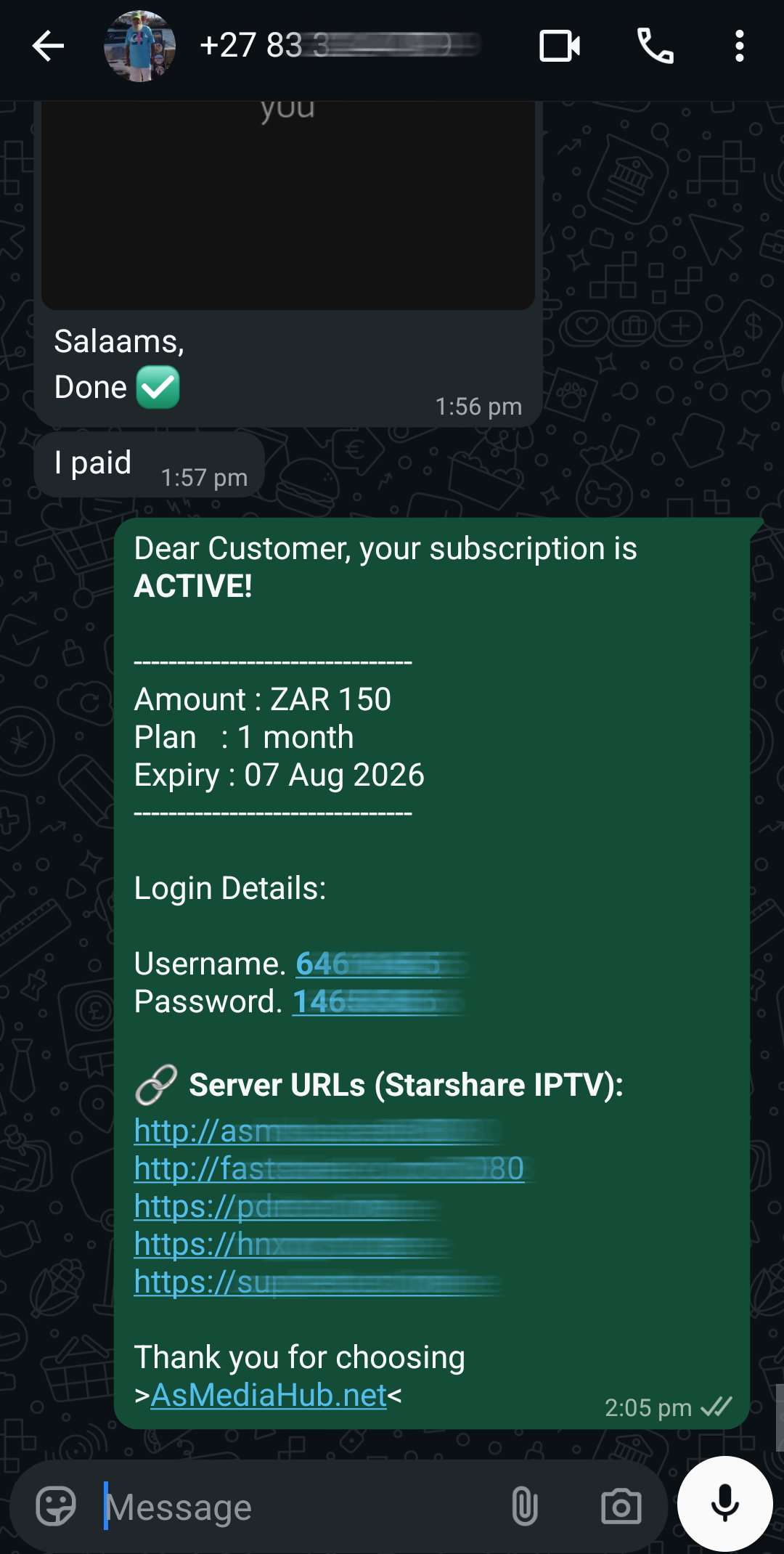
Instant Activation Proof
As soon as your payment is confirmed and the admin approves your extension, your subscription is renewed. You'll instantly see your new expiry date and the server details needed to connect.